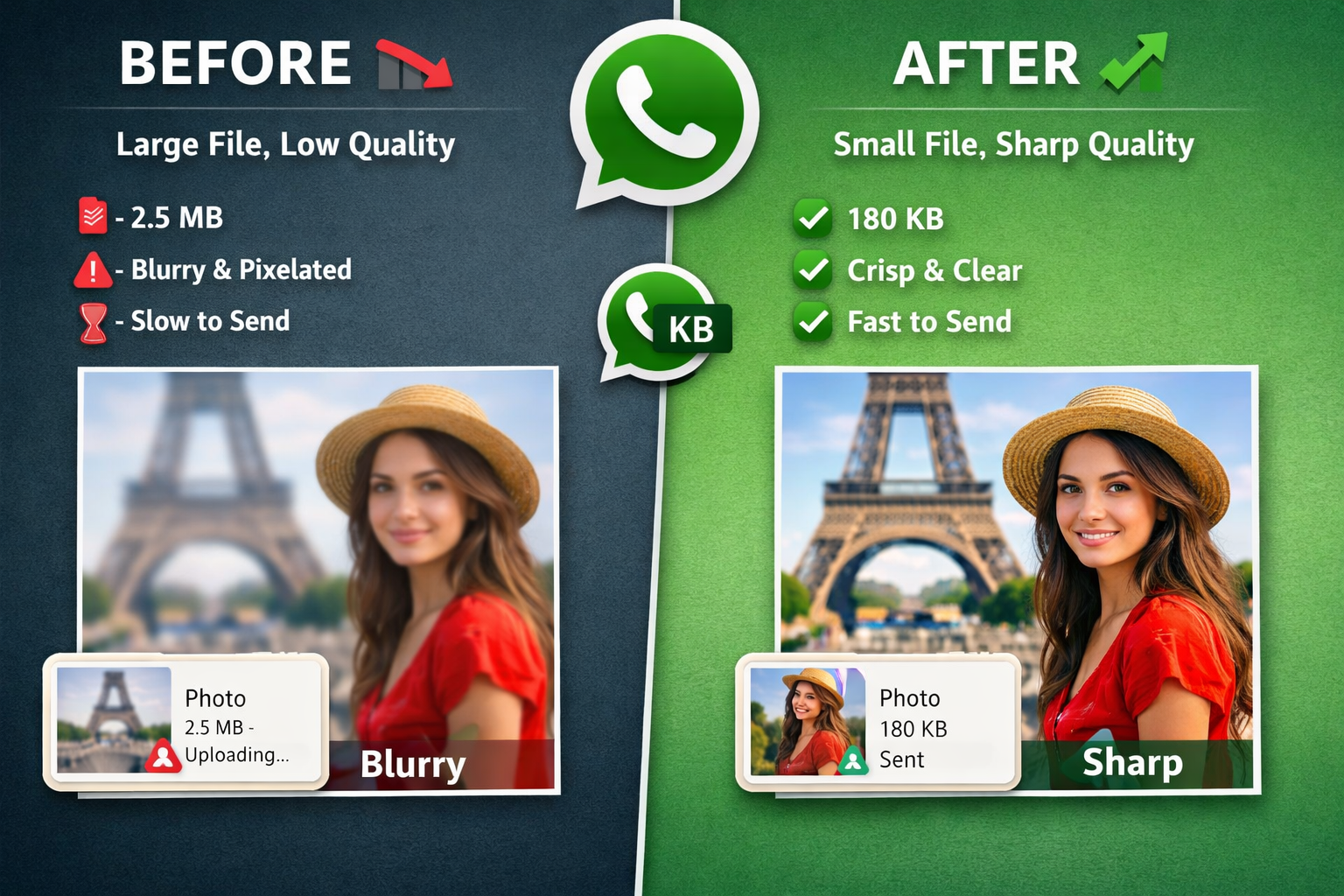
Why Does WhatsApp Reduce Image Quality?
WhatsApp has one priority: speed. Billions of images are shared daily, and to keep everything fast across networks, WhatsApp compresses photos aggressively. This helps low-bandwidth users but can hurt clarity for higher-quality use-cases.
- Resolution shrink: a 4000px phone photo can be reduced to ~1280px.
- Quality reduction: JPEG/WebP quantization removes fine detail.
- Metadata stripped: EXIF and color profiles are removed, which alters look.
Ideal WhatsApp Image Size (2025)
After testing many images, aim for these specs:
- Resolution: 1280px (longest side)
- Format: WebP or JPEG
- Quality: 70–85
- File size: 80–200 KB
- Color profile: sRGB
When WhatsApp receives an image already in this sweet spot, it usually skips heavy recompression — the photo stays sharper for the recipient.
Step-by-step: Prepare an Image for WhatsApp
Step 1 — Upload your image
Pick a tool (FileInsta, Squoosh, Photoshop) that lets you control resolution, format, and quality.
Step 2 — Resize correctly
If the longest side is over 2000px, resize it to 1280px (or 1600px if you prefer a little extra detail). Resizing prevents WhatsApp from triggering heavy recompression.
Step 3 — Choose the right format
WebP is generally the best choice for 2025 — small size, great clarity. JPEG works for camera photos. Avoid PNG for photos.
Step 4 — Set quality (70–85)
Lower than 60 will produce smudges; higher than 90 usually wastes bytes. 70–85 hits the best balance.
Step 5 — Export & send
Send the optimized image normally. You’ll keep the chat preview and enjoy a sharp-looking photo at the other end.
Why Not Send as Document?
Sending as a document preserves original quality but removes chat preview and can be annoying for recipients. Optimizing images keeps the preview, gives good clarity, and stays fast.
Best Export Settings by Image Type
Portrait
WebP/JPEG — 1280px — Quality 80
Landscape / Travel
WebP — 1280–1600px — Quality 75
Text / Screenshots
Convert to WebP — keep original size — Quality 90 (text must remain crisp)
Product photos
WebP — 1200px — Quality 80 (retain detail for sales)
Common Mistakes to Avoid
- Sending full-size phone photos (trigger heavy recompression)
- Using PNG for photos
- Using low-quality third-party compressors
- Setting quality under 60
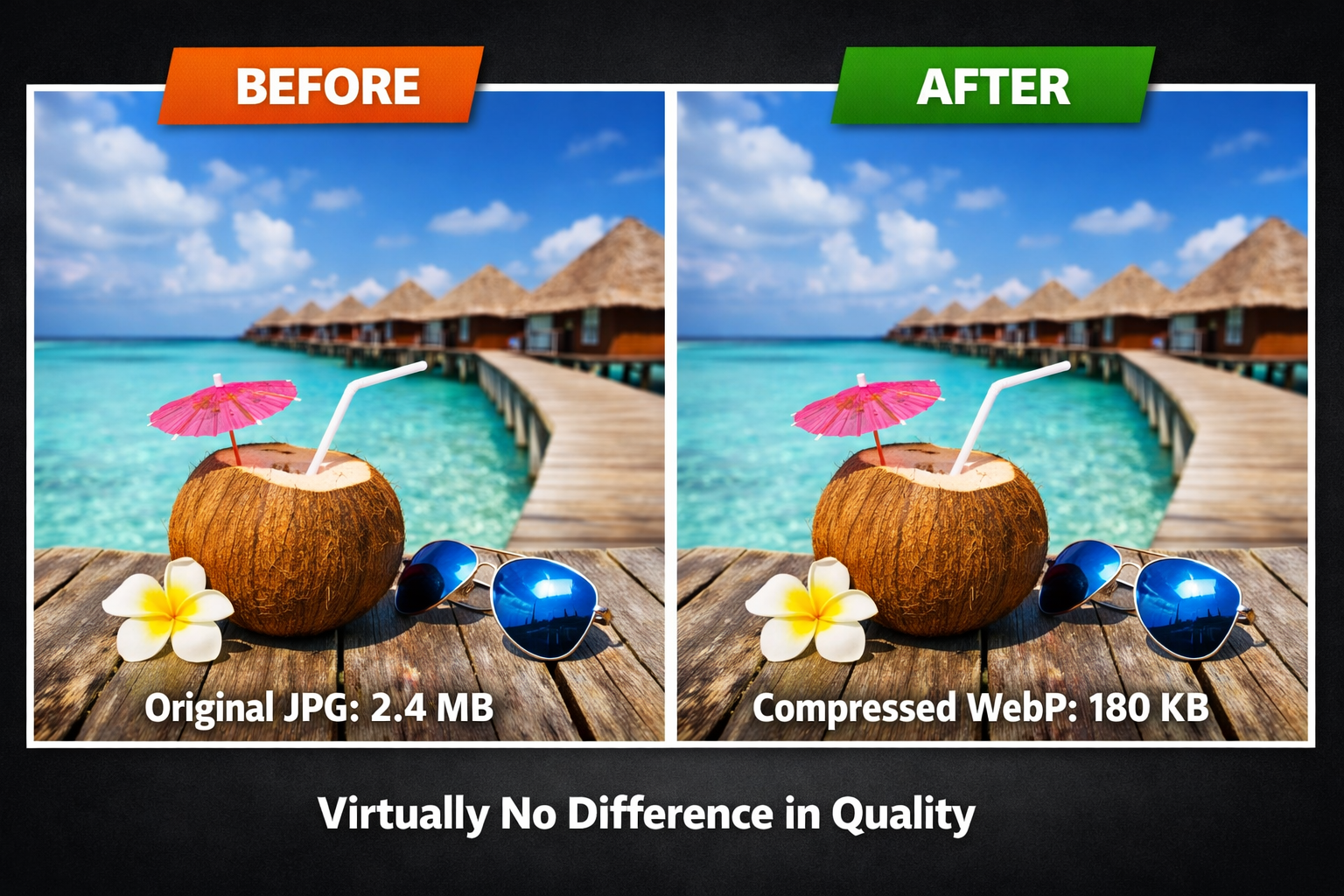
Before & After — Real Results
When done right, edges remain crisp, skin tones natural, and file size drops massively (70–90%).
How This Helps Phone Storage
Optimizing reduces backup sizes and frees device storage. Example: 200 × 3MB = 600MB vs 200 × 120KB = 24MB.
Why This Matters for Businesses
Clear product images increase conversions. Optimized WhatsApp images deliver professional presentation and faster customer interaction.
Future (2025+)
Expect gradual improvements (HD modes), but manual optimization will remain best for professional use due to WhatsApp's need for speed and scale.
Final Thoughts
Resize, pick efficient formats, and export at 70–85 quality. Once you get used to the steps, it’s a 5–10s workflow that keeps your images looking great on WhatsApp.
Reviewed by FileInsta Team
Published: Dec 2025 • Updated: 12/15/2025