How to Compress Images Without Losing Quality
Start Lossless CompressionA complete beginner to advanced guide on image compression formats, tools, optimization & quality-safe workflows.
⏱️ 6–7 min read
Images getting blurry after compression? Website loading slow because of heavy JPGs? You’re not alone — proper image compression is something EVERY creator struggles with.
The good thing? It's 100% possible to compress images and preserve clarity.
Table of Contents
- What Is Image Compression?
- Why Image Compression Matters
- Lossless vs. Lossy Compression
- Best Image Formats
- Step-by-Step Compression Guide
- Best Free Tools
- Advanced Optimization
- Mistakes to Avoid
- Before & After Example
- FAQs
What Is Image Compression?
Image compression reduces file size by removing unnecessary data — without changing visual appearance.
Why Image Compression Matters
- Faster website loading
- Rank higher on Google
- Better WhatsApp / Instagram uploads
- Less storage usage
- Better user experience
Lossless vs. Lossy Compression
Lossless
Preserves 100% quality. No pixel loss.
Best for logos, UI, screenshots.
Lossy
Removes invisible data → tiny file sizes.
Best for photos & social media images.
Best Image Formats
| Format | Quality | Compression | Best Use |
|---|---|---|---|
| JPEG | High | Lossy | Photos |
| PNG | Perfect | Lossless | Logos / UI |
| WebP | Very High | Lossy/Lossless | Web |
| AVIF | Excellent | Lossy/Lossless | Modern apps |
How to Compress Images (Step-by-Step)
- Upload image to FileInsta
- Select WebP or AVIF
- Set quality between 70–85
- Resize if original is 4000px+
- Download optimized version
Best Free Tools
- FileInsta 100KB Tool — best control
- TinyPNG
- Squoosh (Google)
- ImageOptim (Mac)
Advanced Optimization
1. Resize first — massive size reduction.
2. Remove EXIF — privacy + smaller size.
3. Use smarter formats — AVIF/WebP.
Common Mistakes
- Using PNG for photos
- Compressing without resizing
- Setting quality under 50
- Ignoring modern formats
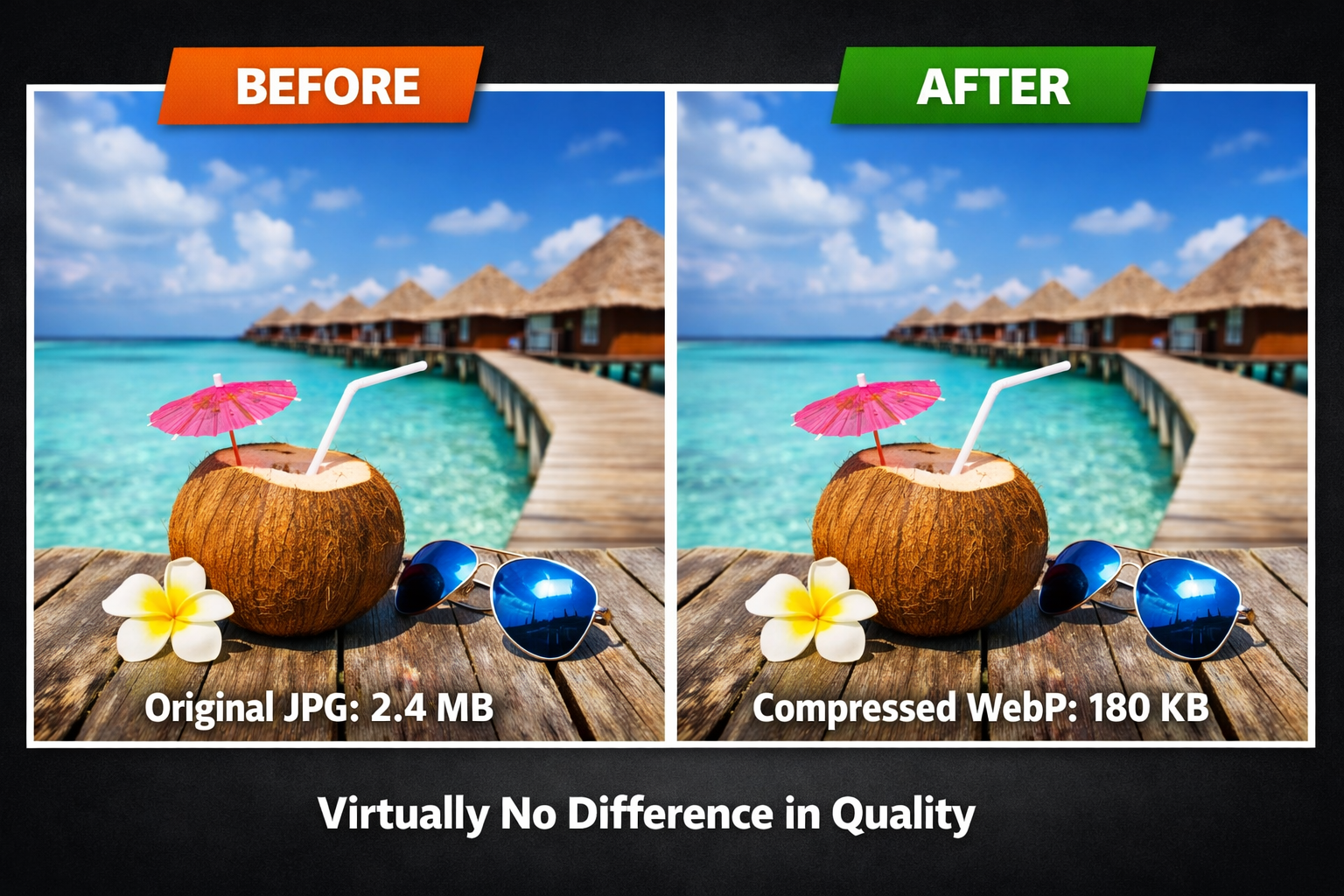
Before & After Example
Example:
- Original JPG: 2.4 MB
- Compressed WebP: 180 KB
- Visual difference: Almost none
FAQs
How do I compress without losing quality?
Use WebP/AVIF + resize + quality between 70–85.
Which format gives best results?
AVIF > WebP > JPEG > PNG (for photos).
Last updated: December 2025